
Now available for Mac

The AI that sees your screen.

Synapsis floats on your Mac. Click it and ask about anything on your screen, or hold it and just talk. No screenshots, no uploads.

Synapsis is a Mac app. Send yourself the link and download it on your Mac.

Free to start · macOS 14 Sonoma or later

Things people ask about their screen

Why Synapsis

Chatbots can't see what you see.

So every time you need help with something on your screen, you do the busywork first.

Every other AI 5 steps

  1. Take a screenshot
  2. Open a chatbot in a new tab
  3. Upload it, if you still have uploads left today
  4. Explain what you're looking at
  5. Switch back to what you were doing

Synapsis 1 step

  1. Click the orb and ask.

It already sees what's on your screen, so the answer shows up right where you're working.

The Synapsis orb
The orb sits at the edge of your screen, over every app.
The film

Watch it work.

A reply drafted, a diagram explained and a question asked out loud, in thirty seconds.

Examples

One orb for everything on your screen.

Real recordings, on a real Mac.

Email

Replies in seconds.

Ask for a reply. It reads the email and writes one for you.

What was askedcan you write me a reply to this email and also ask if we will be renting skis
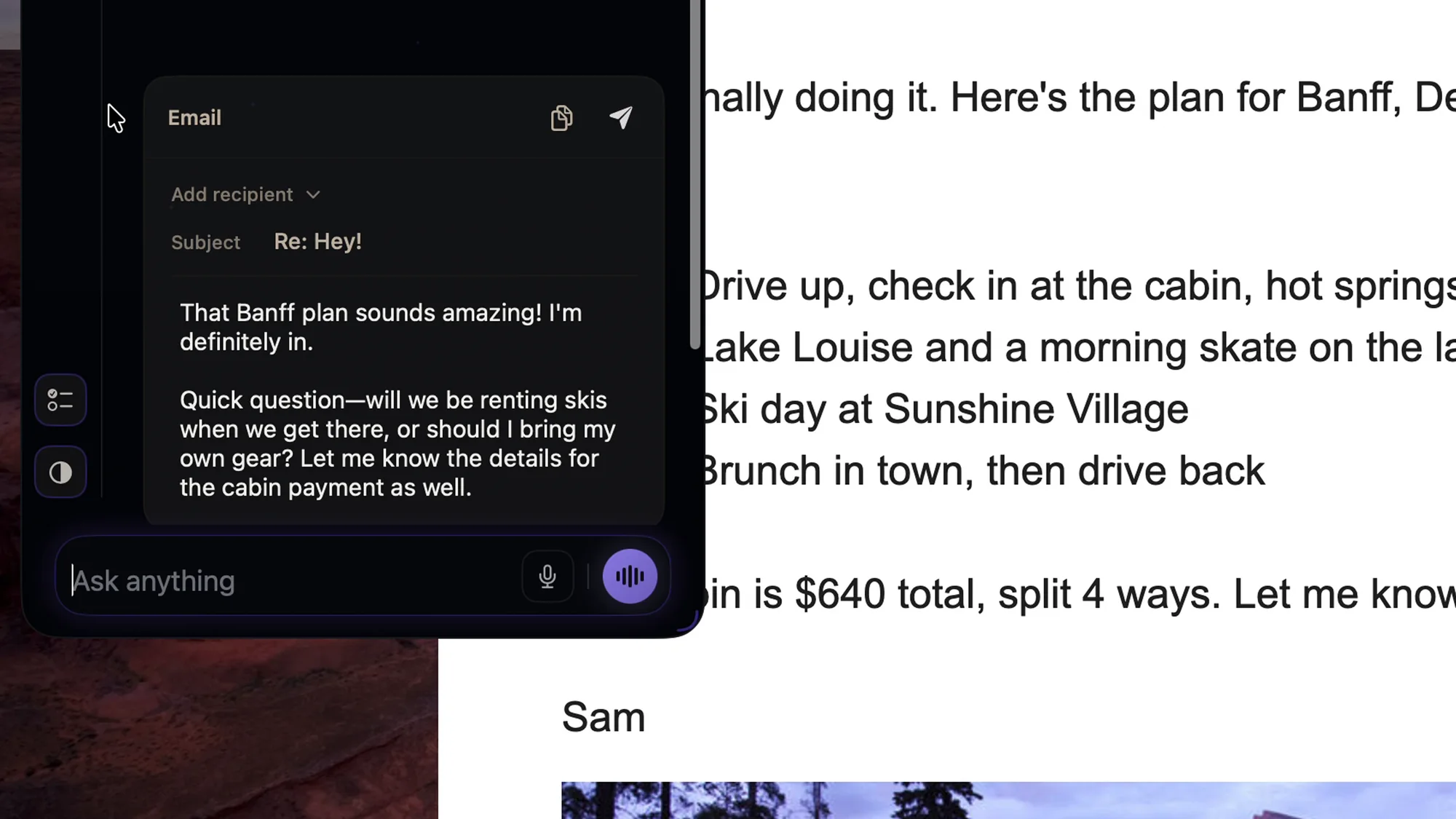
Synapsis showing a drafted email reply next to the email in Gmail
Anything on screen

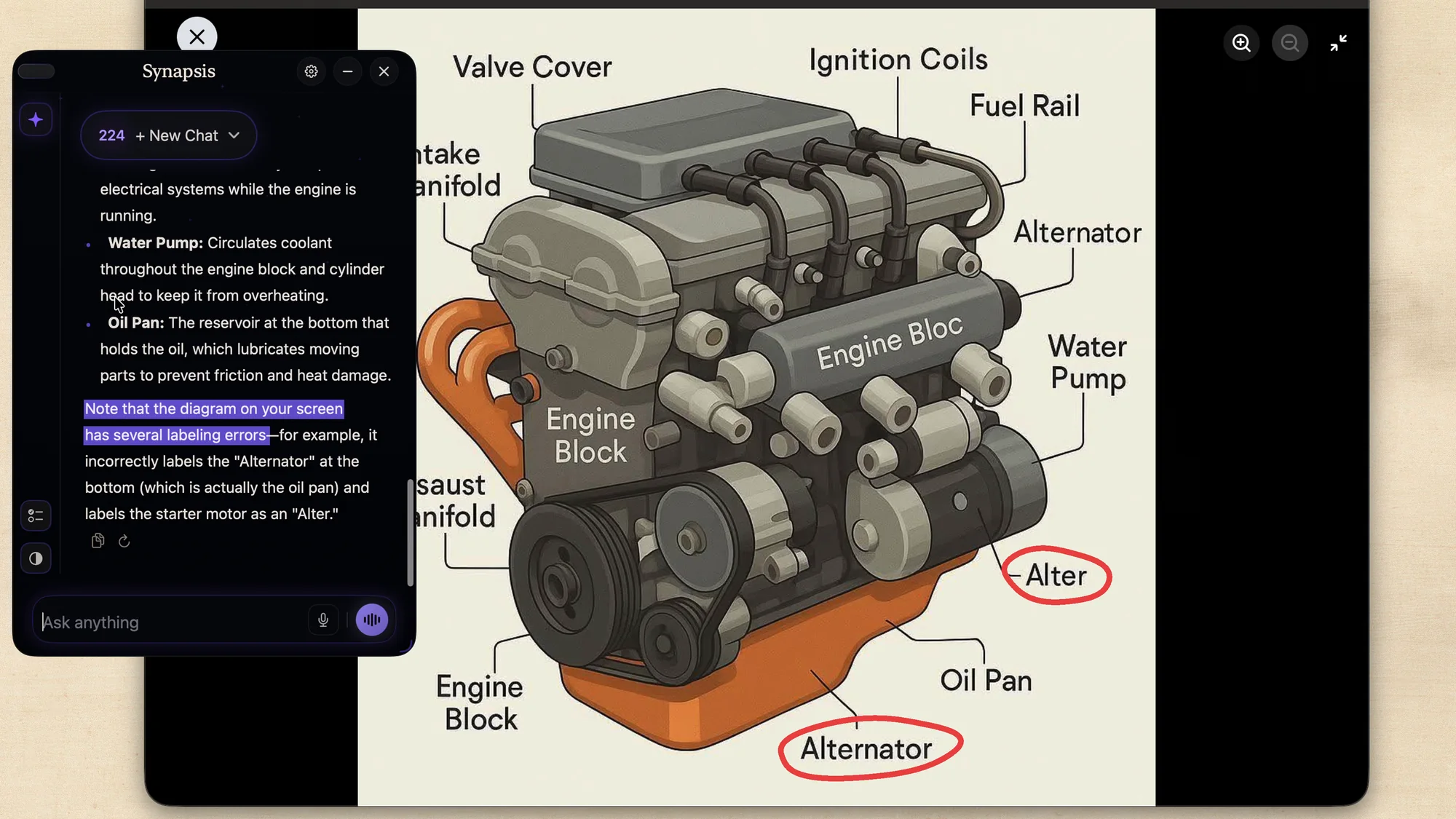
Explains what you're looking at.

Diagrams, charts, slides, notes. Here it even caught two wrong labels.

What was askedHey can you help me understand how this engine works?
Synapsis explaining an engine diagram and pointing out two wrong labels

Highlights added to show what it caught.

Voice

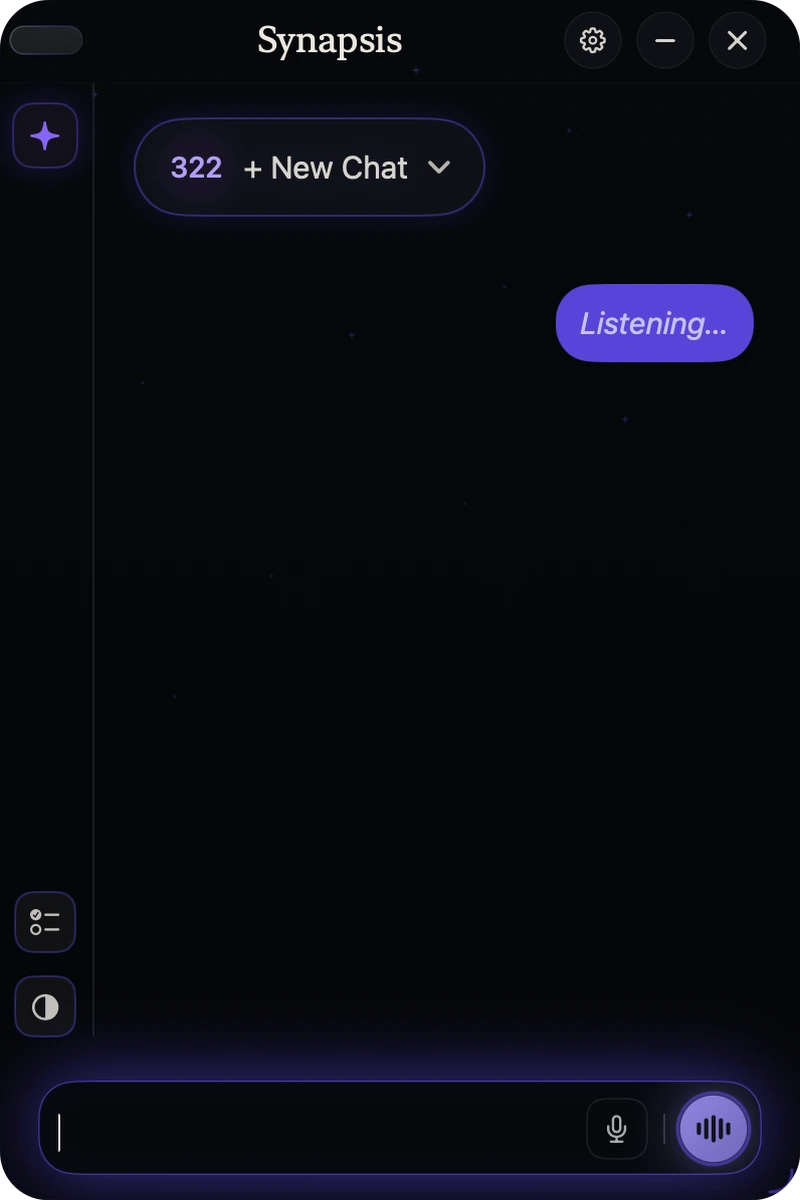
Or just hold and talk.

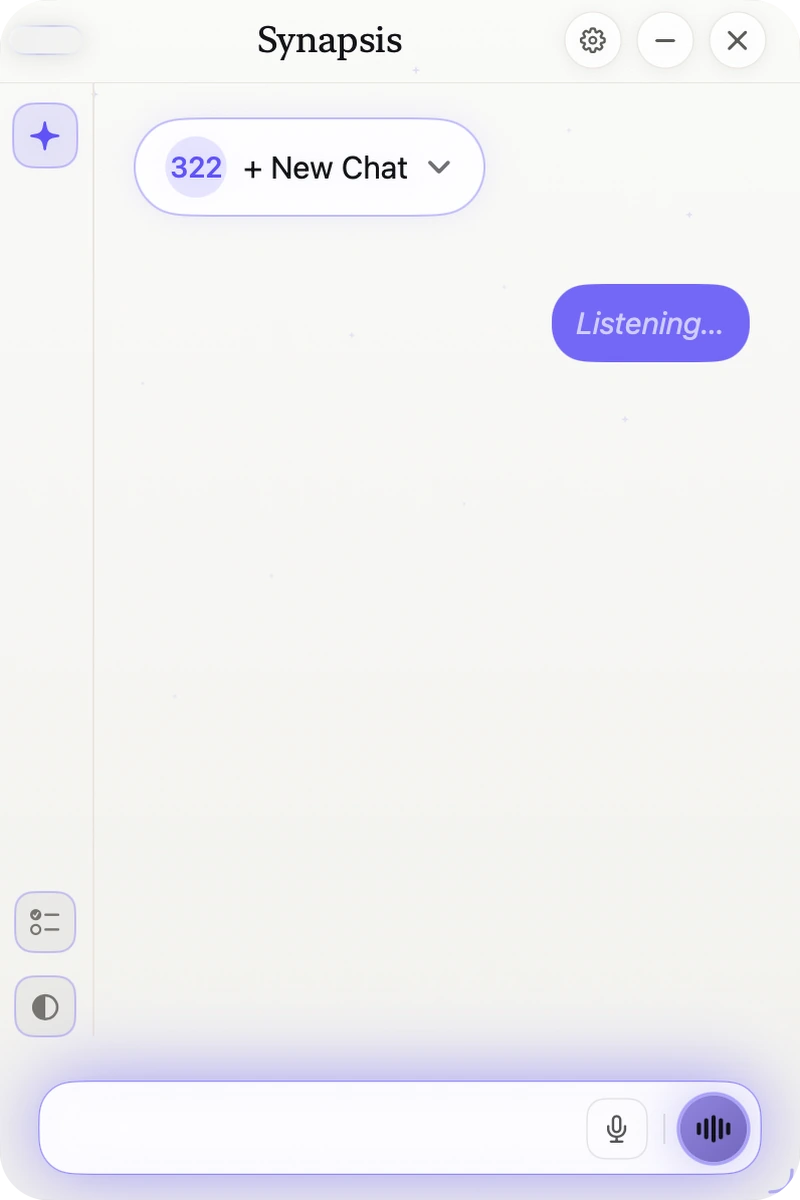
Hold the orb, ask out loud, let go. It answers back.

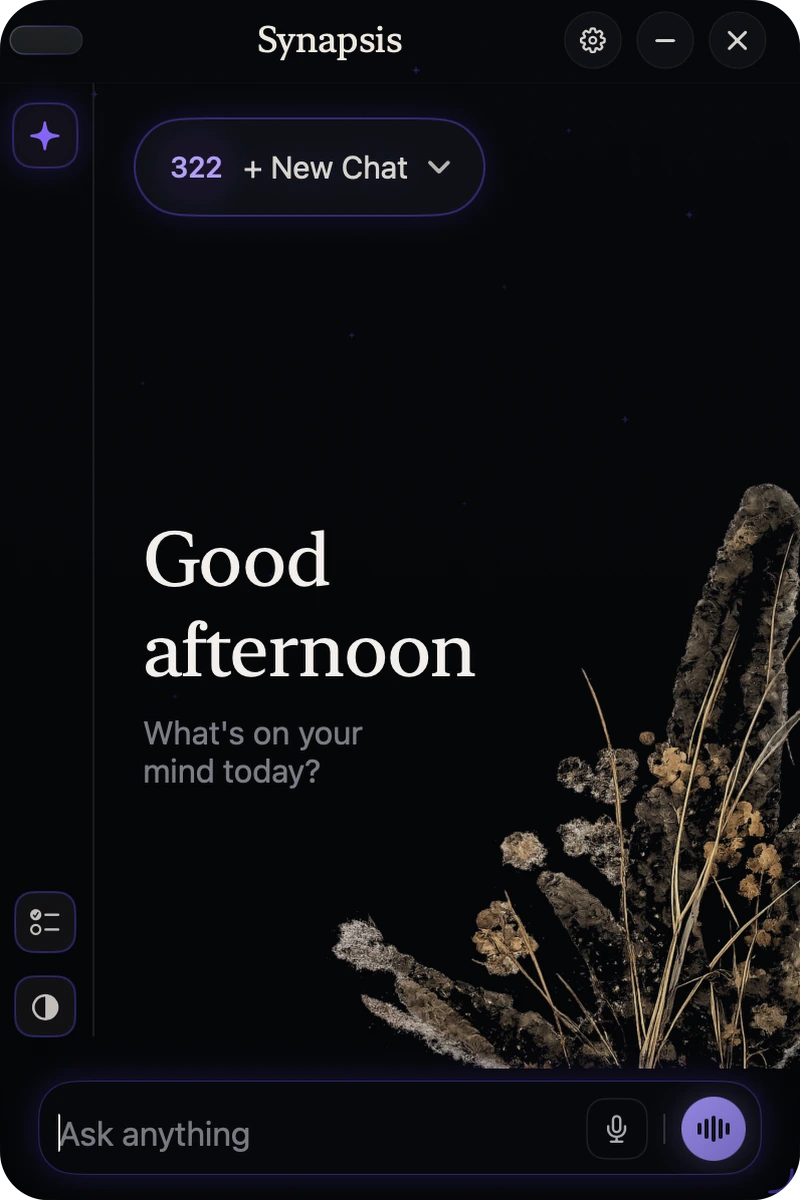
Synapsis in dark mode, listening to a spoken question
Companion app

Everything, in one place.

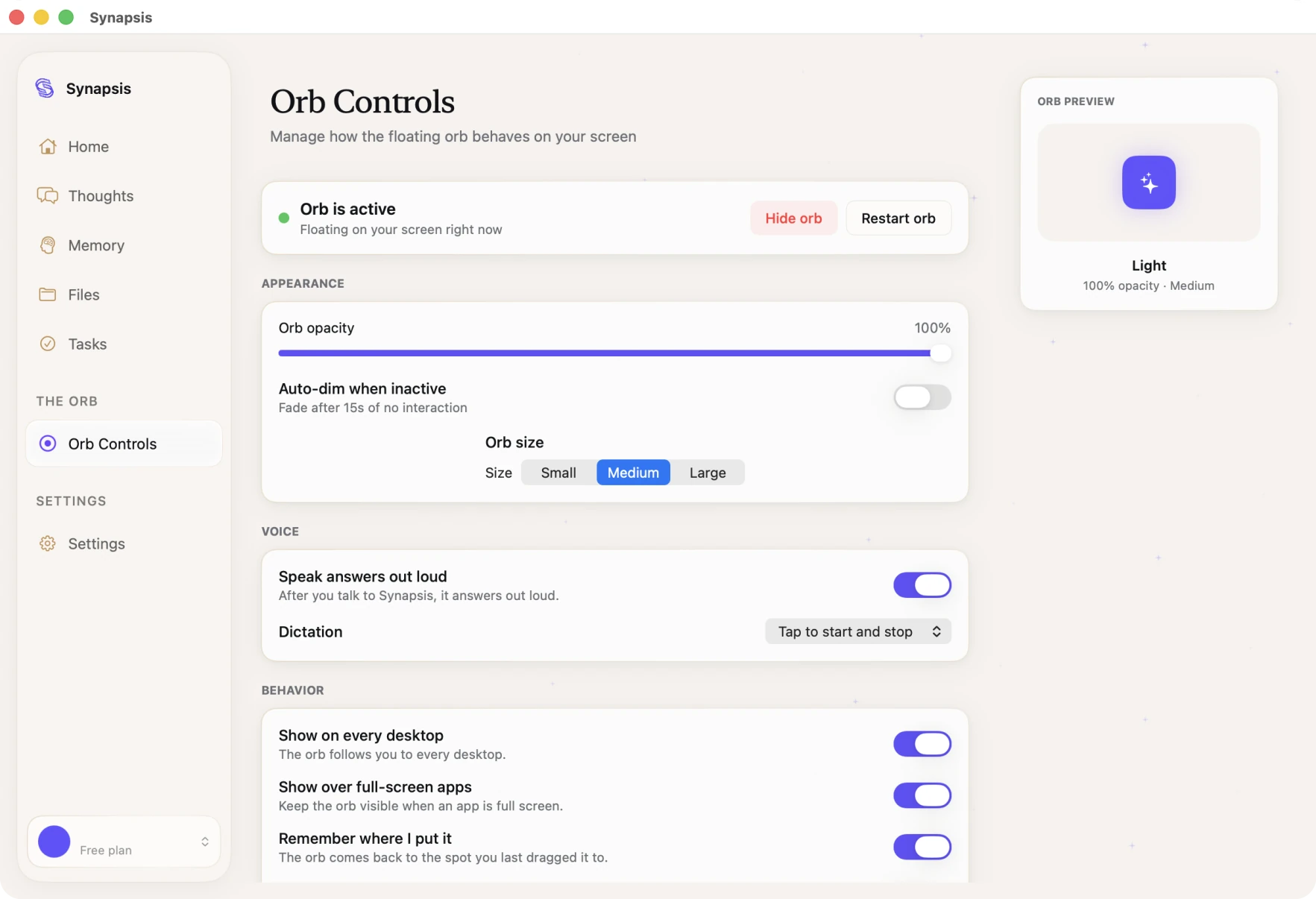
The companion app is where you manage the orb and everything it knows.

  • Memory
  • Thoughts
  • Files
  • Tasks
  • Orb controls
The Synapsis companion app with Home, Thoughts, Memory, Files, Tasks and Orb Controls in the sidebar
And more

Made for the way you use your Mac.

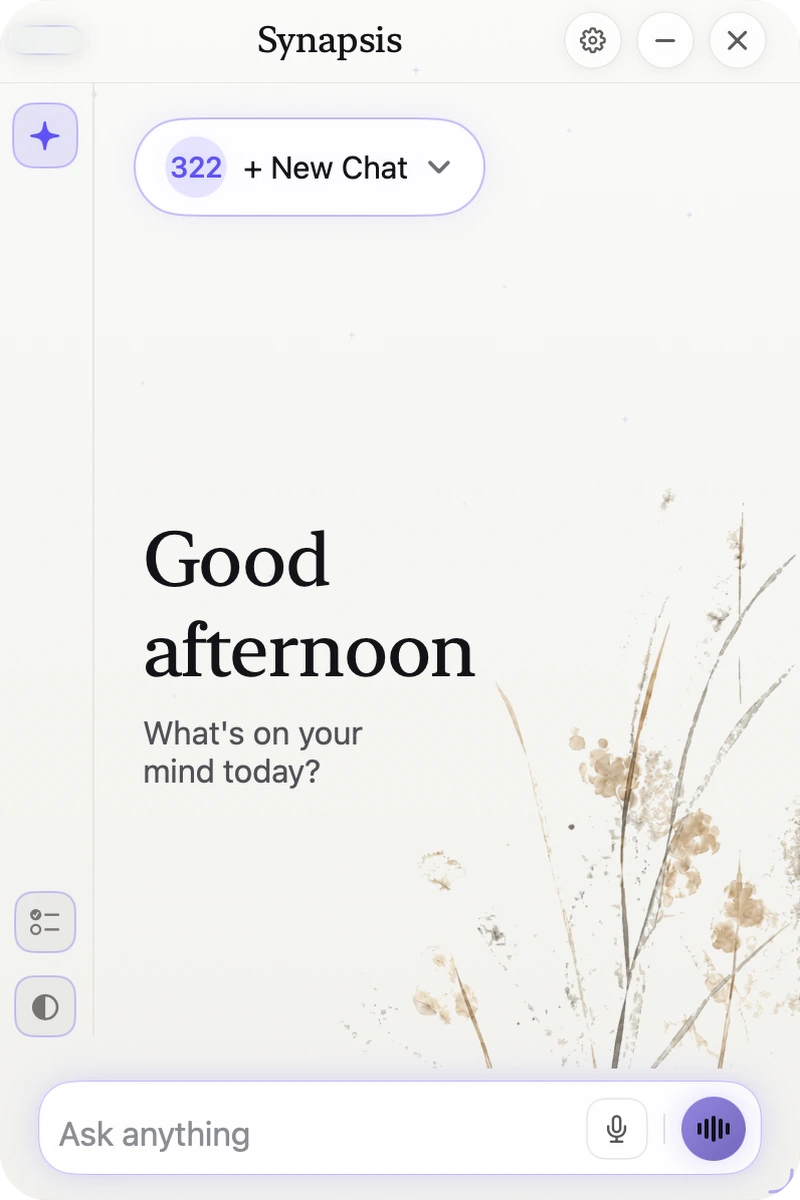
Light or dark, your call.

Switch the look with one click, right in the chat window.

Drag the handle to compare.

Synapsis in light mode Synapsis in dark mode

Remembers what matters

It learns your preferences as you chat, so you never repeat yourself.

Looks things up

When a question needs fresh information, it searches the web for you.

Reads your files

Drop files into the app, or right-click one in Finder and choose Analyze with Synapsis.

Privacy

Private by design.

Read the privacy policy

Your chats and memory are saved on your Mac.

It looks at your screen only when you ask.

Never sold. Never used to train AI.

Pricing

Free to start.

Download Synapsis free. Upgrade inside the app whenever you want more.

Free

See why it's different.

$0forever
  • Help with anything on your screen
  • Web search
  • Voice, a little every day
  • Resets every day
Download free

Pro

For everyday use.

$9/ month
  • Everything in Free
  • A lot more usage each day
  • A lot more voice each day
  • Faster access when things get busy
Get Pro

Max

For all-day use.

$20/ month
  • Everything in Pro
  • The most usage and voice we offer
  • Priority access when things get busy
  • First access to new features
Get Max

Pro and Max are upgrades inside the app. Prices in USD. Cancel anytime.

FAQ

Questions, answered.

Something else on your mind? Write to support@hellosynapsis.com

An AI assistant that lives in a small orb on your Mac. Click it to type, hold it to talk. It can see your screen when you ask.

Yes, every day. Pro ($9/month) and Max ($20/month) give you more. Prices in USD.

Any Mac running macOS 14 Sonoma or later.

Your chats and memory stay on your Mac. We never sell your data or train AI on your conversations.

No. Use it as a guest, or sign in with Google or Apple to save your chats and upgrade.

Through the macOS Screen Recording permission, only when you ask. You can turn it off anytime in System Settings.

Give your Mac a mind.

Free to start. Works on macOS 14 Sonoma or later.

Download for Mac

Synapsis is a Mac app. Send yourself the link and download it on your Mac.